



Apple Unveils Features of iOS 26 Beta 6: Real-Time Translation, Improved Performance, and More
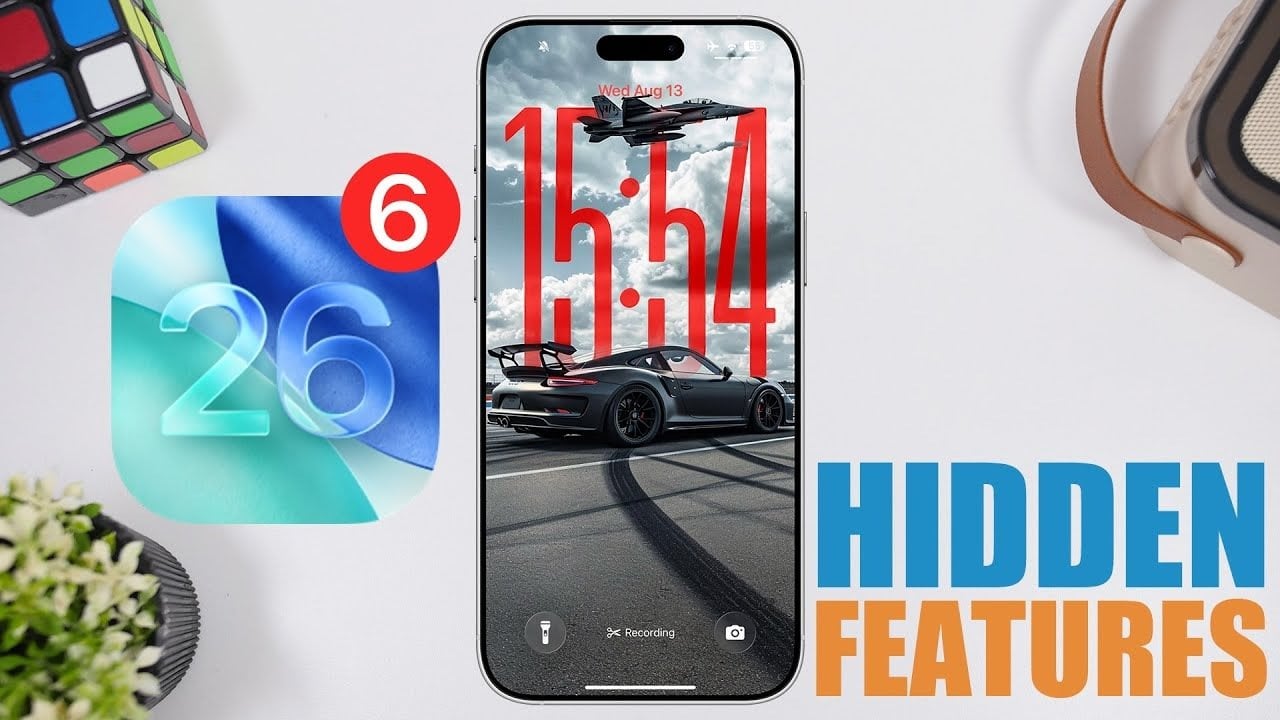
So, Apple’s just dropped the beta for iOS 26, update number six, and it’s really shaping up to be something cool! Here’s a casual scoop on what’s new and buzzing in this latest peek at the iOS future, straight from a new video that iReviews just released. First off, remember that sleek Liquid Glass look that got us all hyped before? Well, it’s back and it's stretching its shiny tentacles even further across the user interface. This time, it’s jazzing up things like the Notes app, those little pop-up menus, and the icons on your home screen. Honestly, it looks like your phone’s got a bit more depth and personality with these fine, subtle reflections and some seriously dynamic textures that feel... kinda alive? It’s not just pretty; it feels right to use, balancing that eye candy with smooth sailing across the board. Also, ever thought about talking to someone who doesn’t speak your language, and just having your buds magically translate everything on the fly? Well, guess what? The AirPods can now pull off real-time language translation! Just squeeze 'em and you’re breaking language barriers left and right. Handy for globe-trotters, business folks, or just anyone wanting to chat in another language. Though it’s still early days, the potential here feels massive. Performance-wise, Apple’s kicked things up a notch too. We’re talking quicker animations, silkier transitions, and a beefed-up system response that makes everything feel just that bit smoother. The tweaks they’ve sprinkled in here truly minimize those annoying lags, leading to a crisp and responsive vibe through and through. Sure, it’s still not perfect—battery life, I’m looking at you—but they’re on it. Now, onto the nitty-gritty stuff. Safari’s got a new trick with a collapsible address bar to cut back on clutter, and the Photos app is showing off a snazzy new splash screen geared at making navigation a breeze. More fun to be had with exploring spatial scenes, adding a layer of customization for your lock screen too. Then we got the Shortcuts app, which has been given a makeover to be more intuitive. This overhaul means you’re crafting automations and tweaking variables with way less fuss, appealing to both rookies and veterans of the app. Over in the App Store, they’ve tweaked the delete button under account settings for easier app management - small, but super convenient! Lastly, while Apple’s polished the iOS to a shiny gleam, they’re already cooking up Beta 7, promising more yummy updates and fixes to munch on. So, if you’re into checking out upgrades that blend killer looks with handy-dandy functionality, iOS 26 Beta 6 should be right up your alley! Looking forward to seeing how they’ll top this with the next release. And hey, if you need to dig deeper, there’s plenty more detailed guides and articles floating around about iOS 26 Beta 6. Happy exploring!